One-Click Security Audit Reports
Finished a scan? Generate a full security audit report with one click. KAI compiles your findings into a structured Markdown document, ready to share with your team, stakeholders, or auditors.
Generate a Report
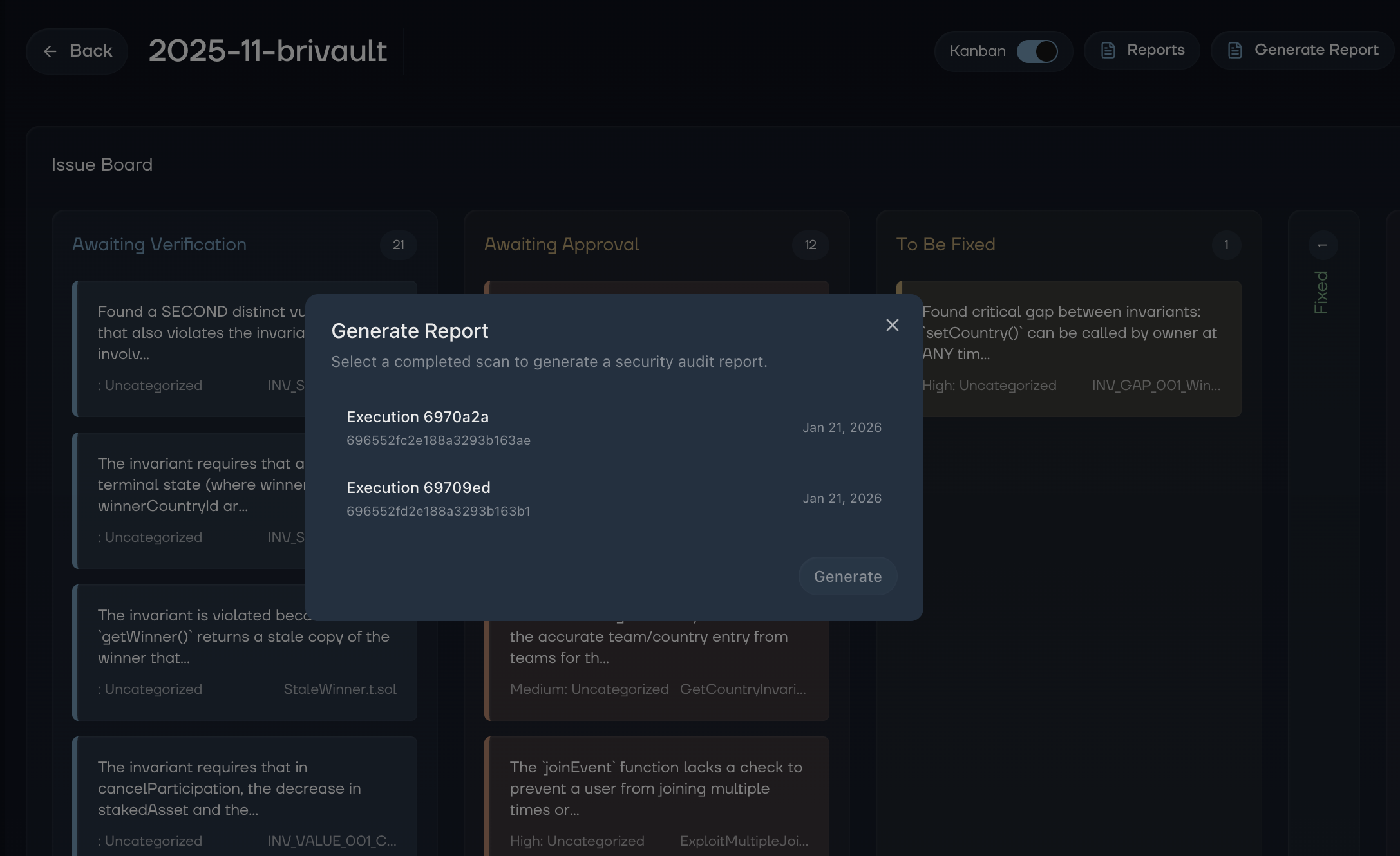
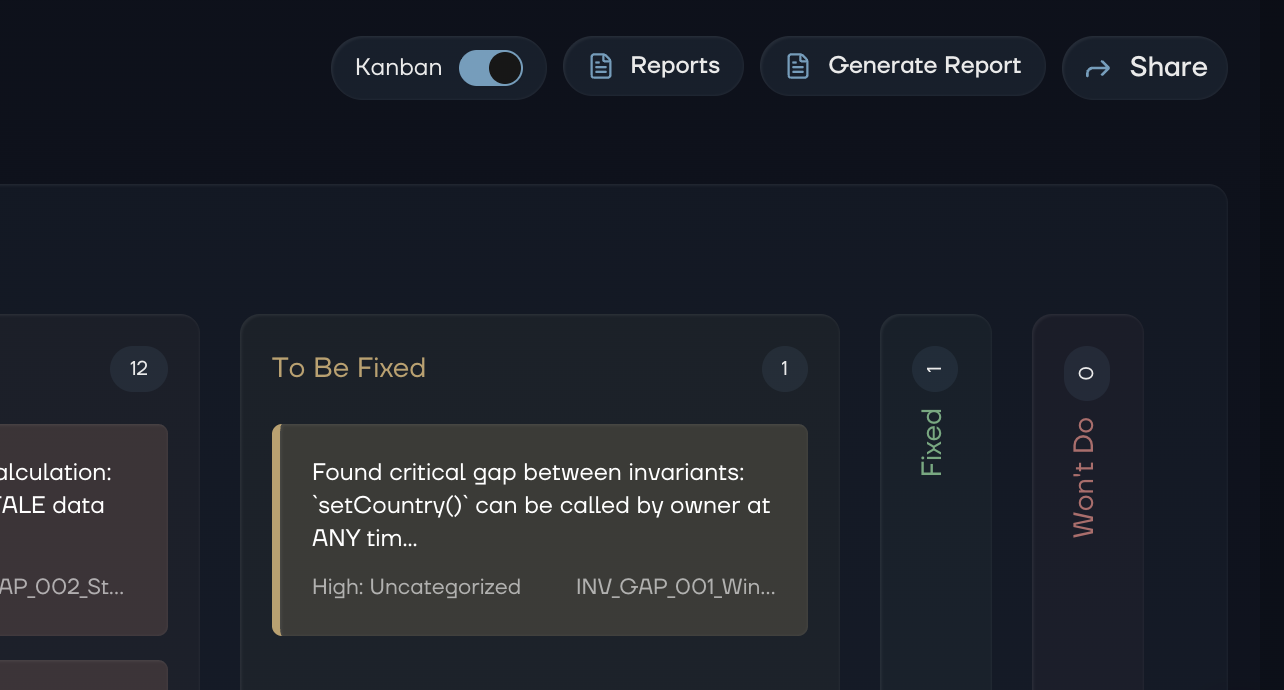 Open any repository page and click "Generate Report." Select a completed execution, and KAI kicks off report generation in the background. You'll see the status update from Pending to Generating to Ready. The whole process takes a couple of minutes.
What's Inside
Each report includes an executive summary, a full breakdown of discovered vulnerabilities organized by severity, and suggested fixes where available. The output is rendered Markdown. Clean, readable, and easy to share.
View and Share
Once ready, open the report from the "Reports" button on the repository page. Every completed execution can have its own report, and you can generate new ones as your codebase evolves.
One scan, one report, one source of truth for what was found and what needs fixing.