
Integrations
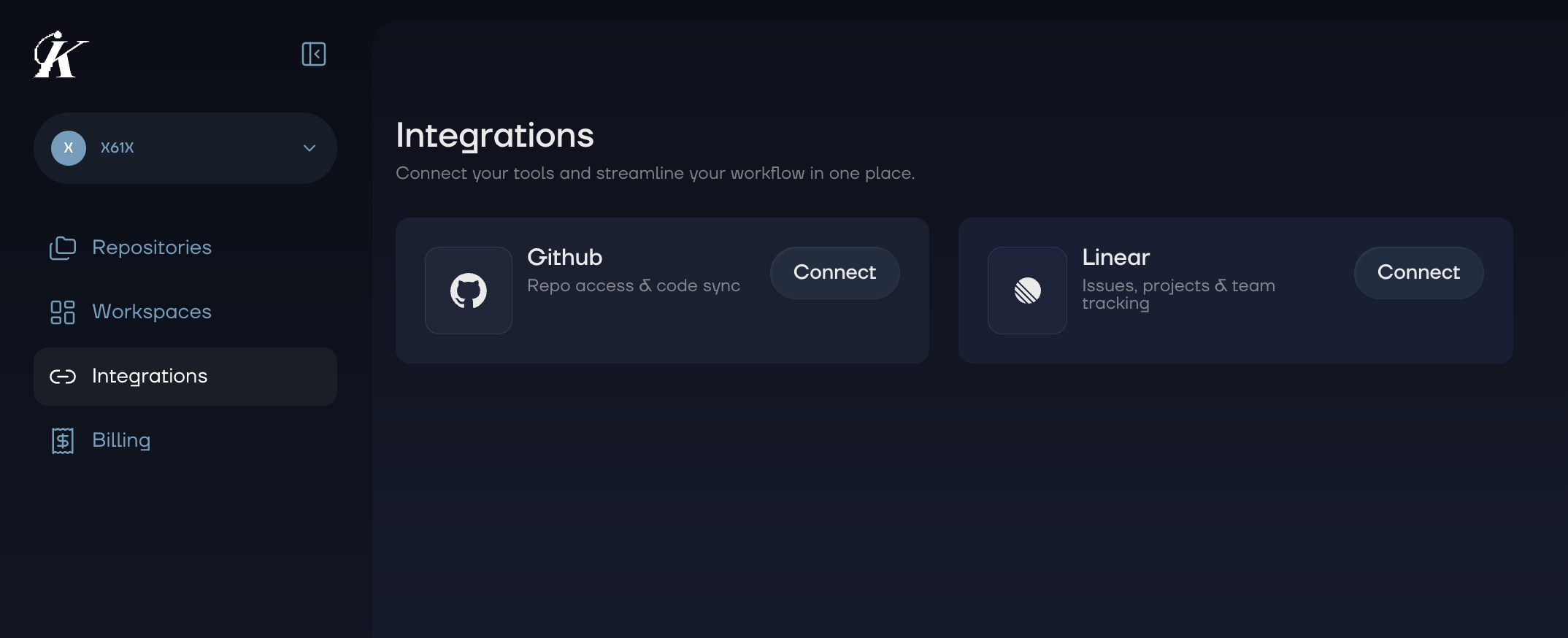
Connect Kai with your existing development tools to streamline your security workflow. Create issues directly from vulnerability findings, track fixes in your project management tool, and keep your team in the loop.Available Integrations
GitHub
Create GitHub issues from vulnerability findings with full exploit details and fix suggestions.
Linear
Turn security findings into Linear issues with team and project routing.
How Integrations Work
Kai integrations follow a simple pattern:- Connect your account via OAuth from the web dashboard
- Use the integration from either the web dashboard or VS Code extension
- Manage connections from your workspace settings
Where to Use Integrations
Integrations are available in both the web dashboard and the VS Code extension:| Feature | Web Dashboard | VS Code Extension |
|---|---|---|
| Connect/Disconnect | Yes | No (connect via web) |
| Create issues from exploits | Yes | Yes |
| Select target project/repo | Yes | Yes |
| View created issues | Link to external tool | Link to external tool |
Getting Started
- Go to your workspace in the web dashboard
- Navigate to Integrations
- Connect GitHub or Linear
- Start creating issues from your vulnerability findings