
Web Dashboard Overview
The Kai web dashboard extends your VS Code extension with team collaboration, advanced analytics, and centralized vulnerability management across multiple projects.Dashboard vs Extension
| Feature | VS Code Extension | Web Dashboard |
|---|---|---|
| Primary Use | Individual scanning | Team collaboration |
| Workflow | Scan → Review → Fix in IDE | Organize → Collaborate → Track |
| Best For | Day-to-day development | Project oversight & management |
| Access | Local VS Code installation | Any browser, any device |
| Integrations | Create issues from exploits | Connect, manage, and create issues |
| Reports | — | Generate and view audit reports |
Accessing the Dashboard
- Visit kai.dria.co
- Sign in with the same GitHub account as your VS Code extension
- Your projects and scan results appear automatically
Core Features
Centralized Project Management
Manage all your repositories and scan results from a single interface.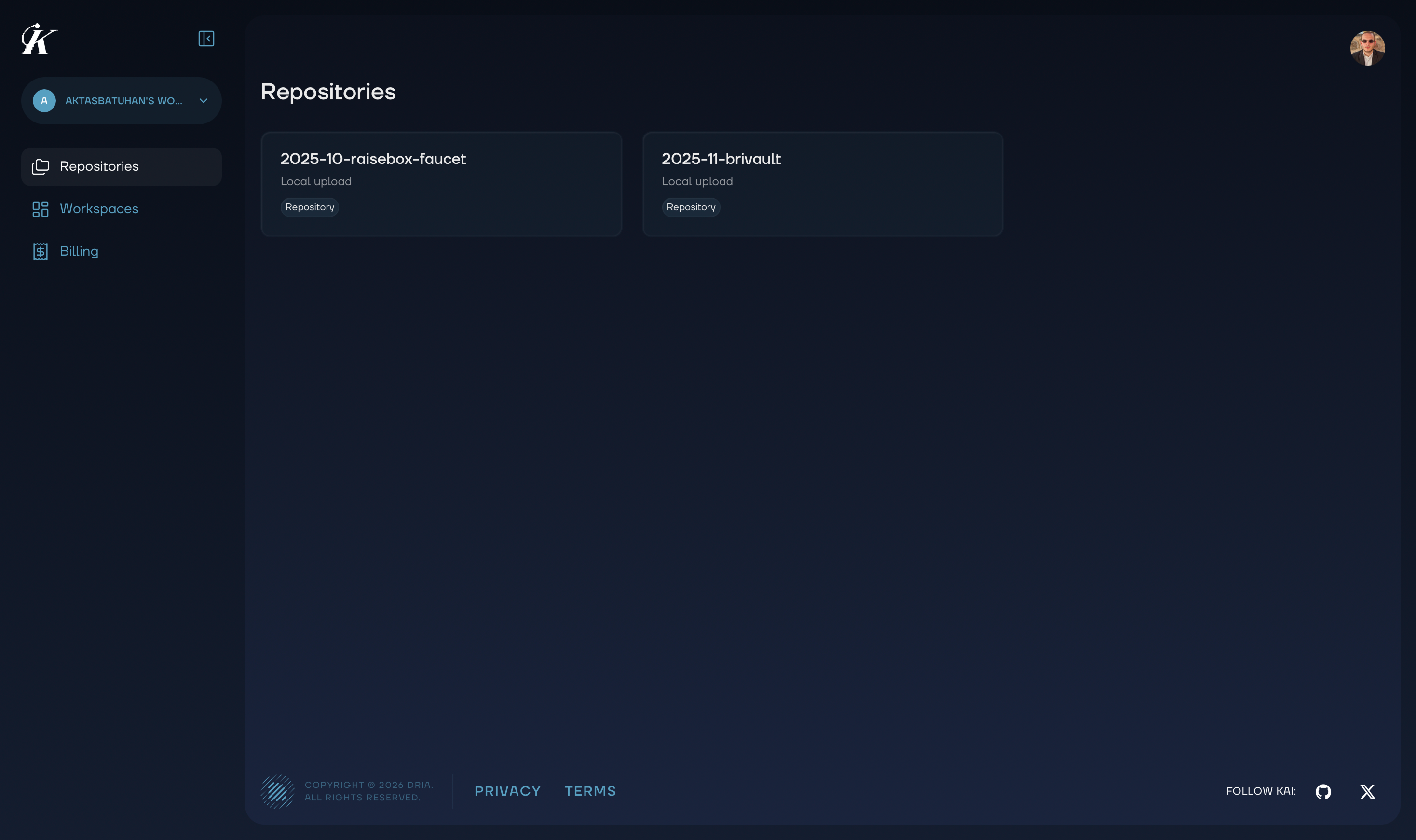
Security Reports
Generate comprehensive security audit reports from completed scans. Reports include an executive summary, detailed findings with fix suggestions, and severity breakdowns — ready to share with stakeholders or use for compliance. See Security Reports for details.Integrations
Connect GitHub or Linear to create issues directly from vulnerability findings. Set up integrations once in the dashboard and use them from both the web and VS Code extension. See Integrations for setup instructions.Email Notifications
Kai sends email notifications for key events:- Welcome email when you create your account
- Scan started when an execution begins
- Scan completed when results are ready for review
Billing & Usage
Track your usage, view invoices, and manage your subscription all in one place.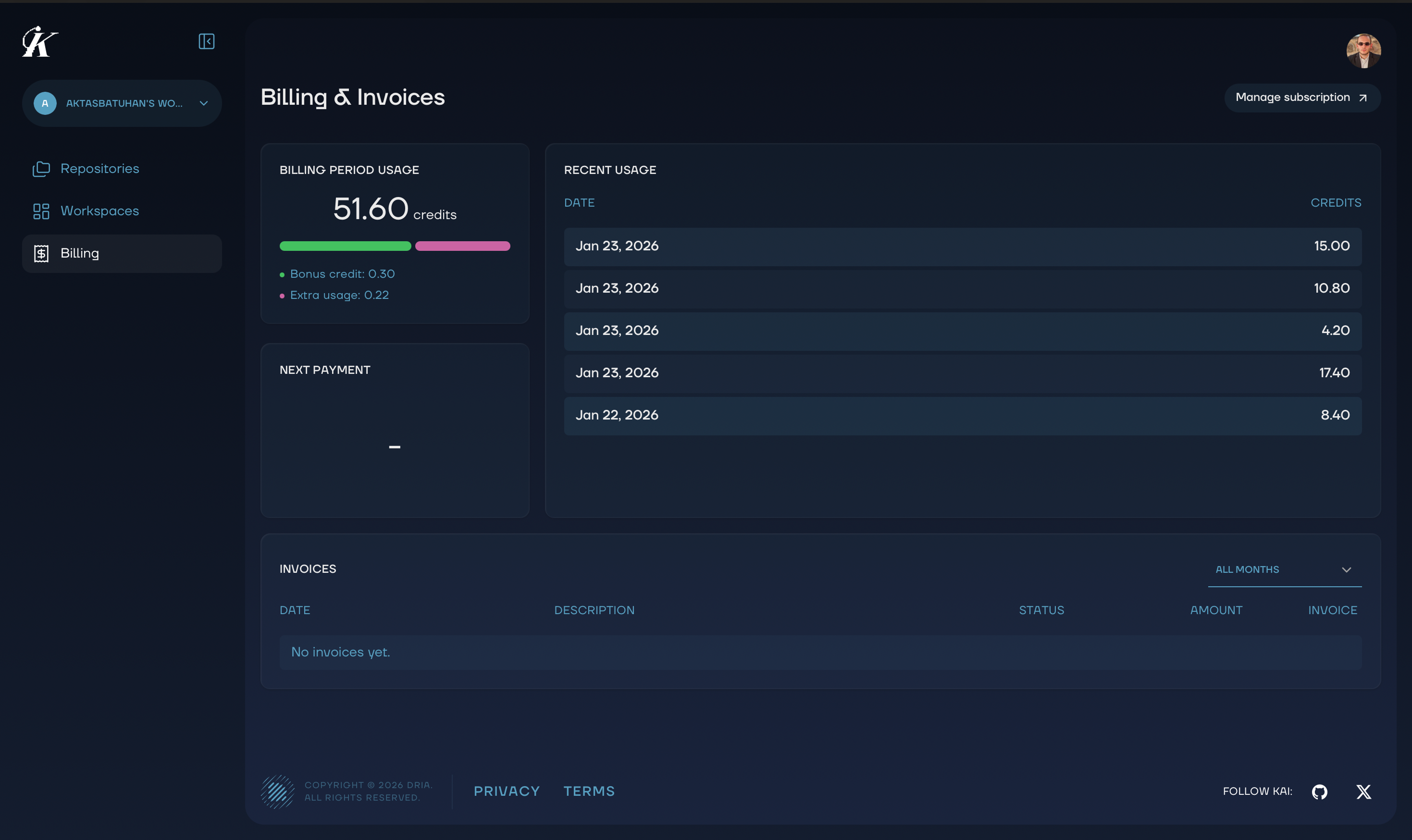
Seamless Sync
Everything you do in VS Code appears in the dashboard automatically:- Scan results and vulnerability findings
- Kanban board status changes
- Progress tracking and resolution history
Next Steps
- Managing Workspaces - Organize projects and team access
- Team Collaboration - Work together on security findings
- Vulnerability Management - Master the Kanban workflow
- Integrations - Connect GitHub and Linear
- Security Reports - Generate audit reports
- Analytics - Track security metrics and progress